Add one to three photos
Put the base image first, then add only the references the instruction needs.
 freephotoeditor.FREE · ONE MODEL · NO LOCKS
Free AI photo editor · 1–3 photos in
Upload up to three photos, tell the AI what to change, and download the edited image — no signup, no watermark.
1–3 photos in
Start with the photo to edit. Add reference photos only when the instruction needs them.
No model lock · no account · no watermark · uploads expire within 1 hour
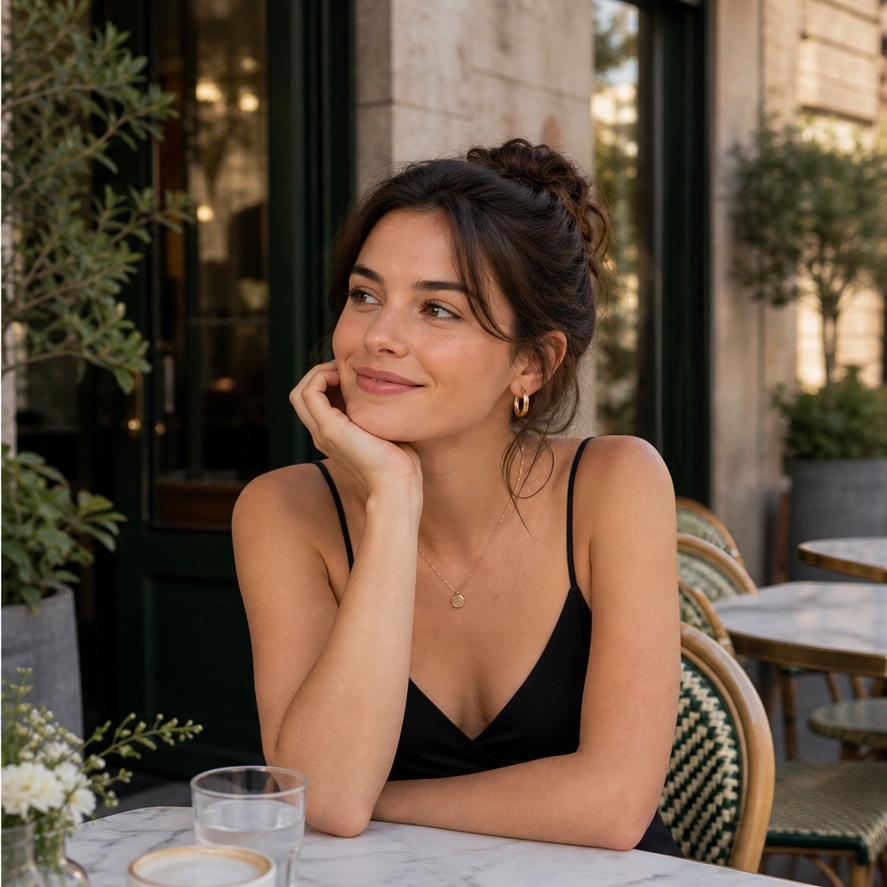
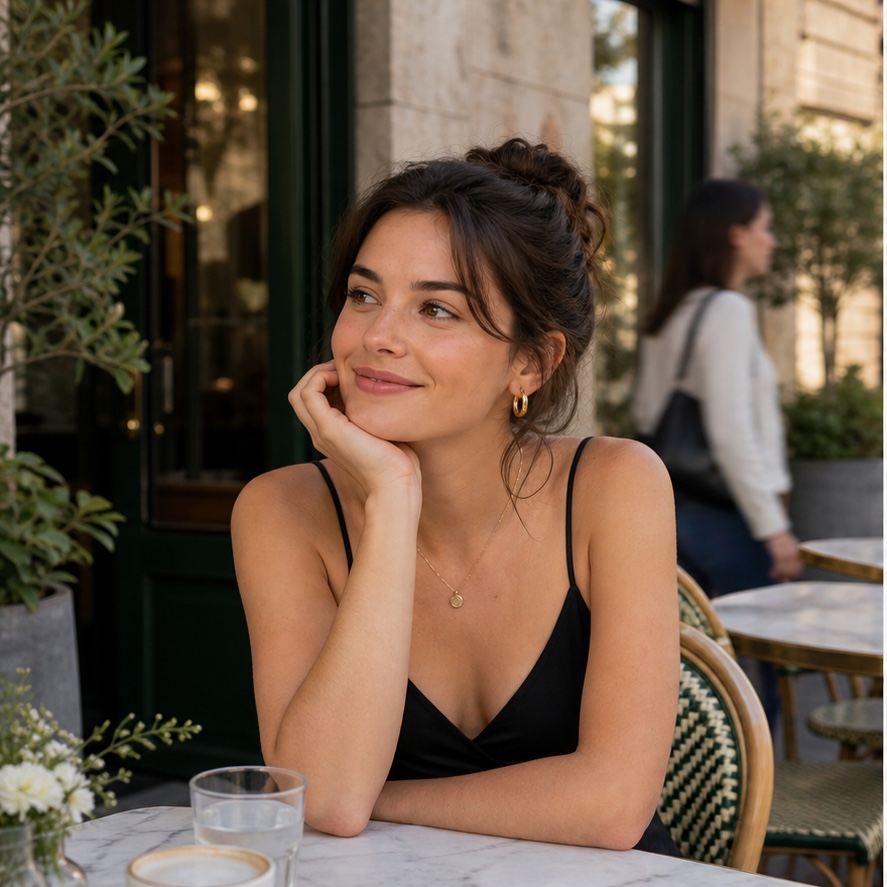
“Remove the person behind me. Rebuild the cafe naturally and keep me unchanged.”
One sentence, one finished edit
The input order stays visible, so multi-photo edits are understandable before you spend a request.
Put the base image first, then add only the references the instruction needs.
Name the image relationship and say which details should remain unchanged.
Save the edited PNG immediately with no account, watermark, or export gate.
Three genuinely different edit types
Each worked example uses different source photos and a different relationship between inputs.
Describe what should disappear and what must stay untouched in a single photo.
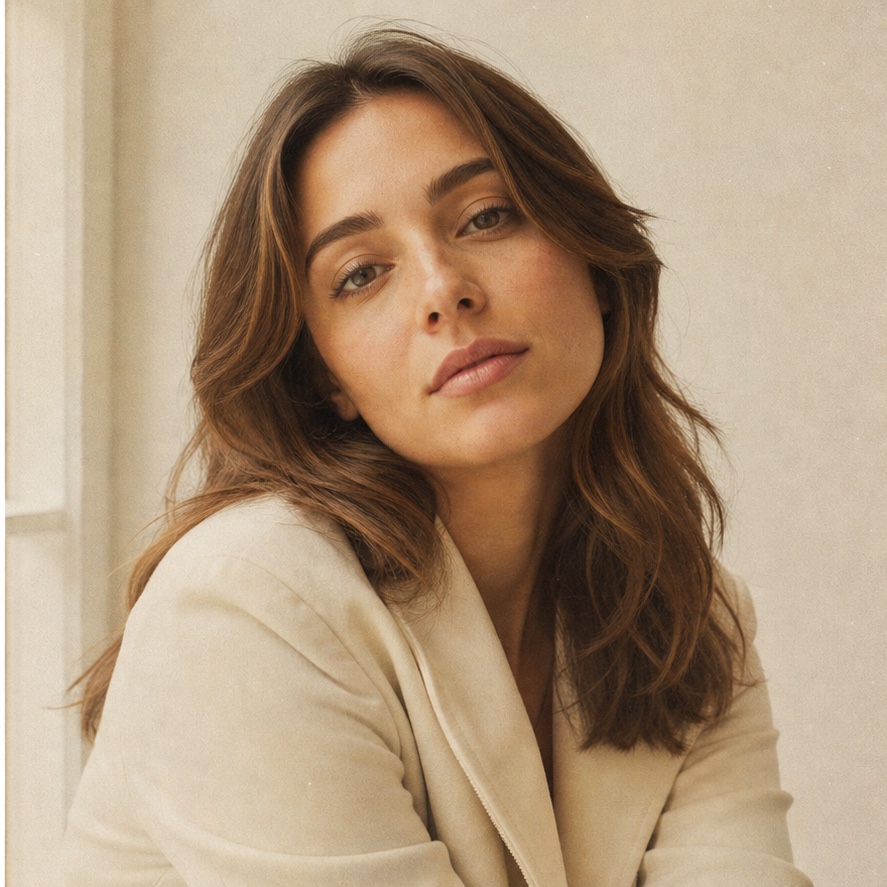
Turn a clean digital portrait into film, editorial, or another visual treatment with one sentence.
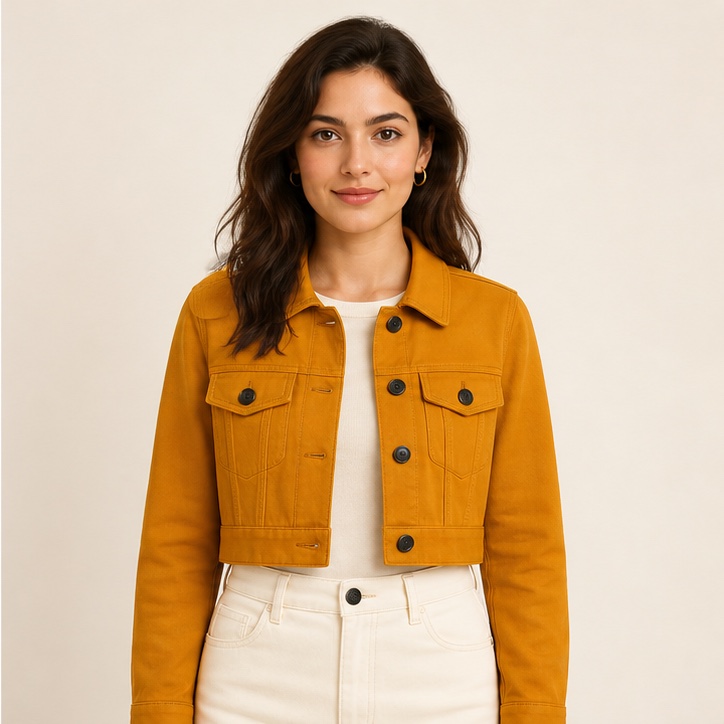
Use a second or third image to show the clothing, object, or visual reference you want applied.
FAQ
Yes. You can process up to 5 edits per hour from one IP address, with no account, paid export, or watermark.
Use one base photo and up to two reference photos. Name image 1, image 2, or image 3 when their roles matter.
Say what to change and what to preserve: “remove the person behind me, but keep me and the cafe unchanged” is better than “fix this.”
We block nudifying, face-swap, graphic-violence, forged-document, abusive, and deceptive edit instructions.
Identity replacement has different consent and safety risks, so it is not accepted as a general photo-edit instruction. Use the separate consent-first face-swap tool for permitted adult images.
Upload JPG, PNG, or WebP images. The edited result downloads as a watermark-free PNG.
Image bytes, filenames, and your edit instruction are not stored in our database. Provider input URLs expire within one hour; we retain only non-image operational telemetry.
The tool does not claim ownership, but an edit does not create new rights in the source photos or depicted people. You are responsible for permissions and any third-party rights.