Add one to three photos
Put the base image first, then add only the references the instruction needs.
 freephotoeditor.
從照片中移除人物 · 免費 · 無需註冊
描述要消失的人,保持主體不變,免費下載編輯後的照片。
1–3 photos in
Start with the photo to edit. Add reference photos only when the instruction needs them.
No model lock · no account · no watermark · uploads expire within 1 hour
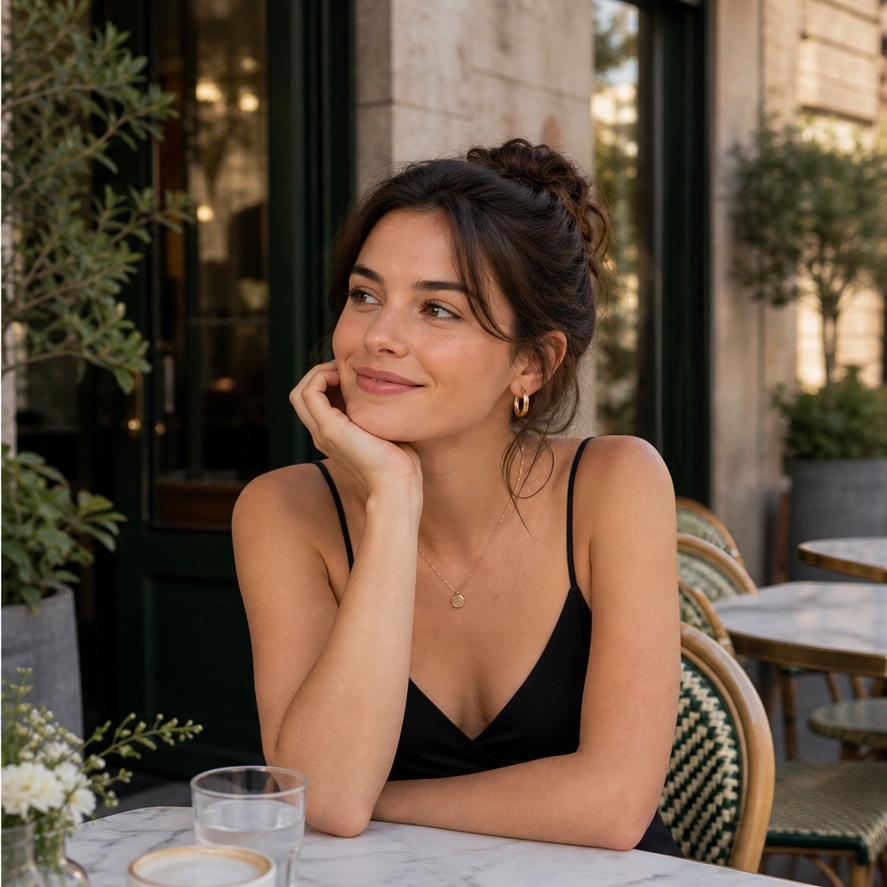
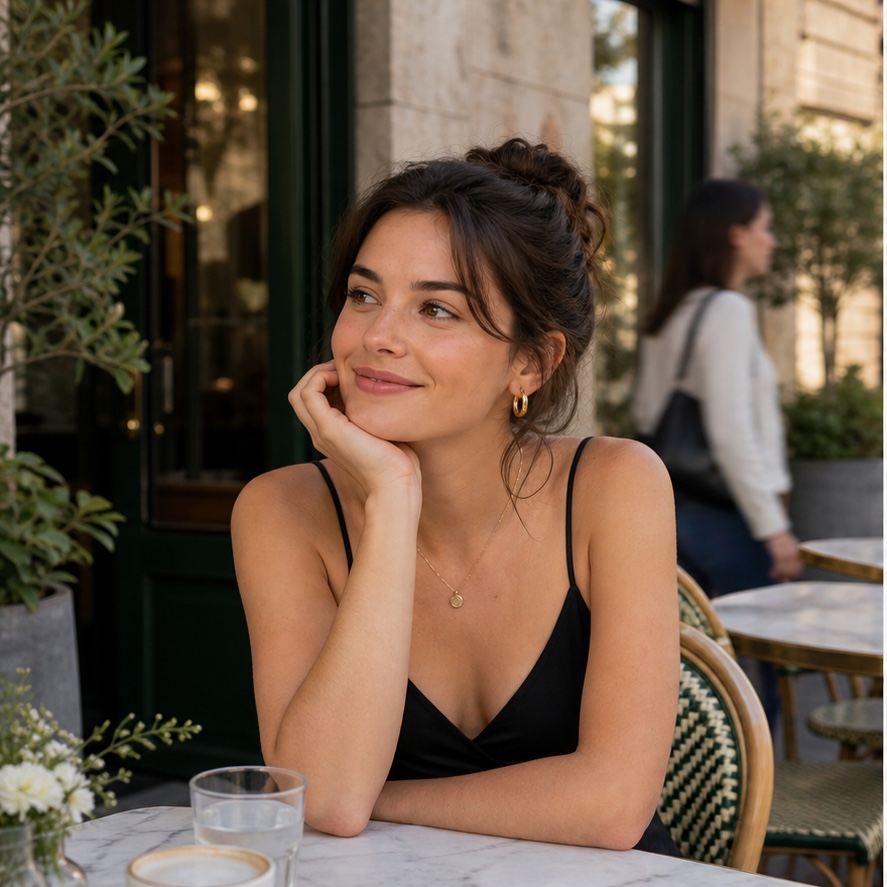
“Remove the person behind me. Rebuild the cafe naturally and keep me unchanged.”
One sentence, one finished edit
The input order stays visible, so multi-photo edits are understandable before you spend a request.
Put the base image first, then add only the references the instruction needs.
Name the image relationship and say which details should remain unchanged.
Save the edited PNG immediately with no account, watermark, or export gate.
Three genuinely different edit types
Each worked example uses different source photos and a different relationship between inputs.
描述在一張照片中哪些應該消失、哪些必須保持不變。
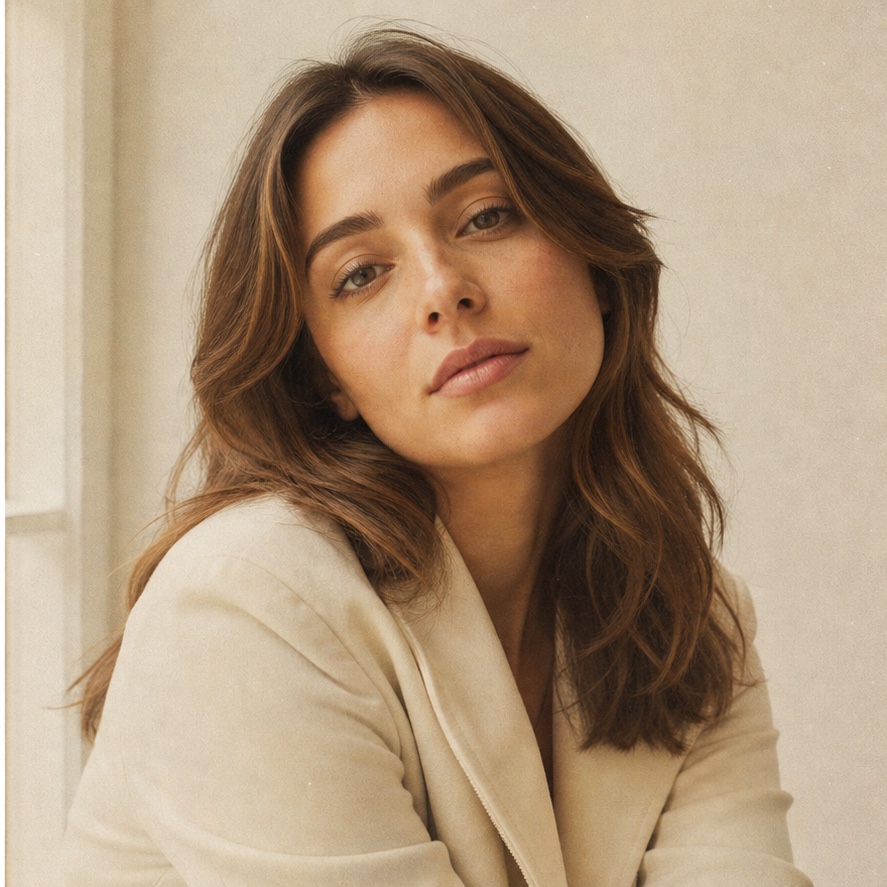
用一句話將乾淨的數位肖像轉換為底片、編輯風格或其他視覺效果。
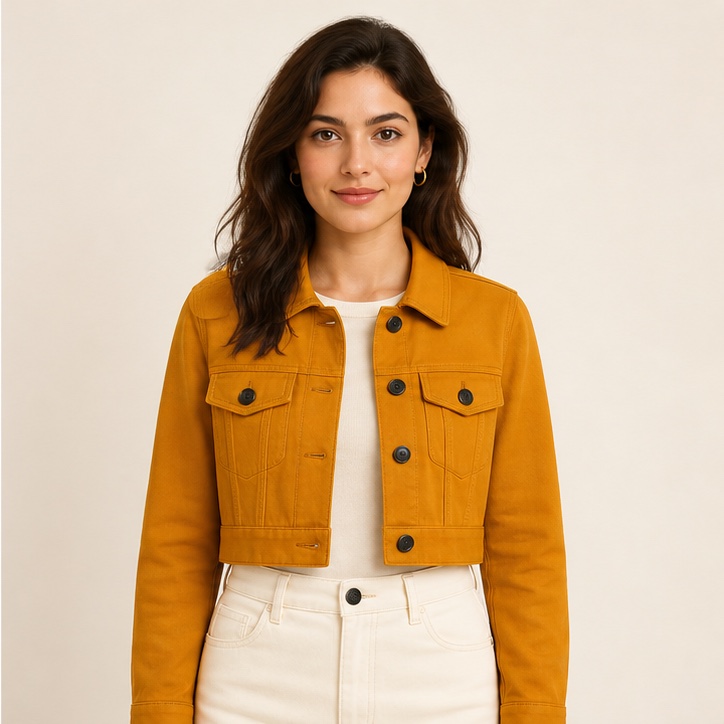
使用第二或第三張圖片來展示您想要套用的服裝、物品或視覺參考。
FAQ
是的。無需帳戶、無付費牆、無浮水印,即可編輯和下載結果。
使用一張基礎照片和最多兩張參考照片。當角色重要時,命名為圖片1、圖片2或圖片3。
我們封鎖色情化、換臉、暴力圖像、偽造文件、辱罵和欺騙性編輯指令。
圖像位元組和檔案名稱絕不會儲存在我們的資料庫中。fal上傳URL具有提供者強制執行的一小時內過期機制。
說明要改變和保留的內容:例如「移除我後面的人,但保持我和咖啡館不變」比「修好這個」更好。